Disconnect your Google account in one tap
iPhone 1.0Android 1.0Web
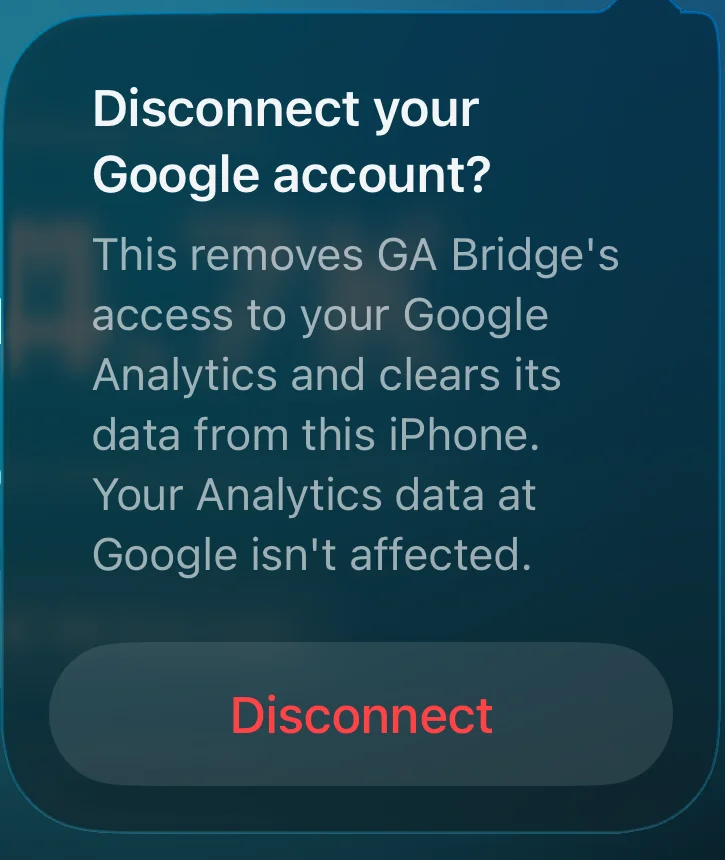
Signing out of an app usually leaves its access to your Google account in place. You'd have to find it in your Google account settings to remove it. GA Bridge does both from one menu.
Sign out, or disconnect
The settings menu has two options:
- Sign out removes your sign-in from the device. GA Bridge still has permission at Google, so signing in again is quick.
- Disconnect Google account revokes GA Bridge's access at Google itself, then deletes everything the app stored on your phone: preferences, hidden properties and cached icons. Your Analytics data at Google isn't touched.
On the web app, Sign out and remove access does the same.
What there is to remove
Not much, by design. GA Bridge asks for read-only Analytics access and nothing else. Reports go straight from your device to Google, with no GA Bridge server in between, and no analytics or tracking in the app. You can always check or revoke access at myaccount.google.com/permissions too.