Every Google Analytics event, with counts and users
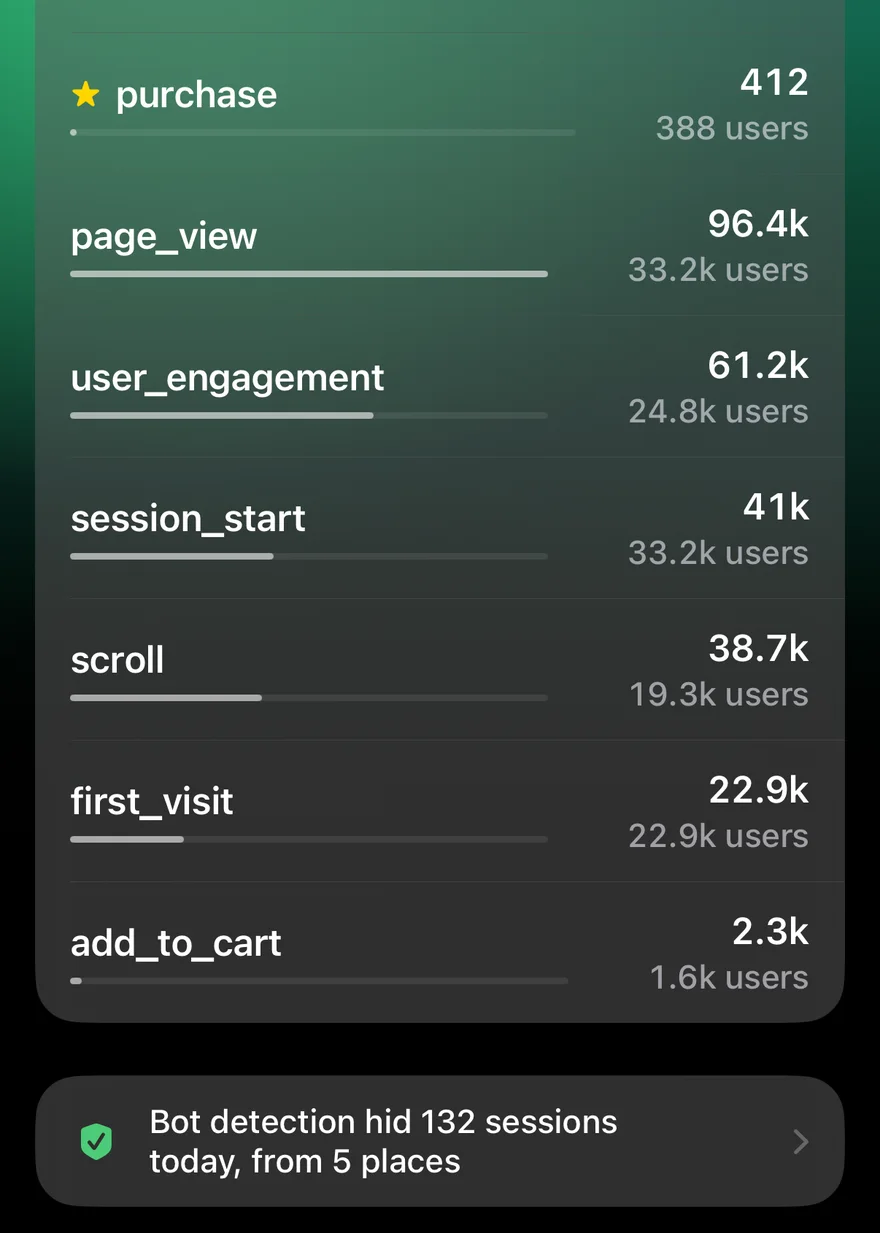
Google Analytics 4 is built on events: every page view, scroll, click, sign-up and purchase is one. GA Bridge's Events tab, on each site's page, lists them all.
What you see
For the chosen time frame, each event shows:
- its name, as GA records it (
page_view,session_start,sign_up,purchase…); - its count, how many times it fired;
- its users, how many people triggered it;
- a bar against the busiest event, so the scale is clear at a glance.
Since iPhone 1.2 (36) and Android 1.2 (33), key events, the ones you've marked in Google Analytics as what counts (a sign-up, a purchase), come first with a star, instead of sitting under page_view and scroll. Each site's page also shows the number of key events in the strip under its headline, with its change.
Why it's useful
Custom events are often what you actually care about, such as newsletter sign-ups, downloads or checkout steps, and they're buried several menus deep in GA's own reports. Here they're one tap from the dashboard, for any site and any time frame, next to that site's users and pages.